-
Admin
-
October 02, 2025
-
No Comments
Introduction
Adobe Acrobat Pro combined with Document Cloud is a powerful ecosystem for creating, editing, managing, and securing PDF documents across devices and platforms. Beyond the traditional PDF tools, the latest Acrobat versions are integrating generative AI, real-time collaboration, and cloud features to streamline document workflows.
Key Functions of Adobe Acrobat Pro + Document Cloud
Here are the main capabilities (some classic, some new) of Acrobat Pro with Document Cloud services:
- Editing & Modifying PDFs
- Edit text, correct typos, change fonts, adjust formatting, move or resize images directly in a PDF.
- Rearrange, insert, delete, or crop pages; rotate pages; drag & drop to reorder pages.
- Merge multiple files (PDFs or other formats) into a single PDF; or split one PDF into separate files.
- Conversion & Export
- Convert from PDF to Word, Excel, PowerPoint, or other formats.
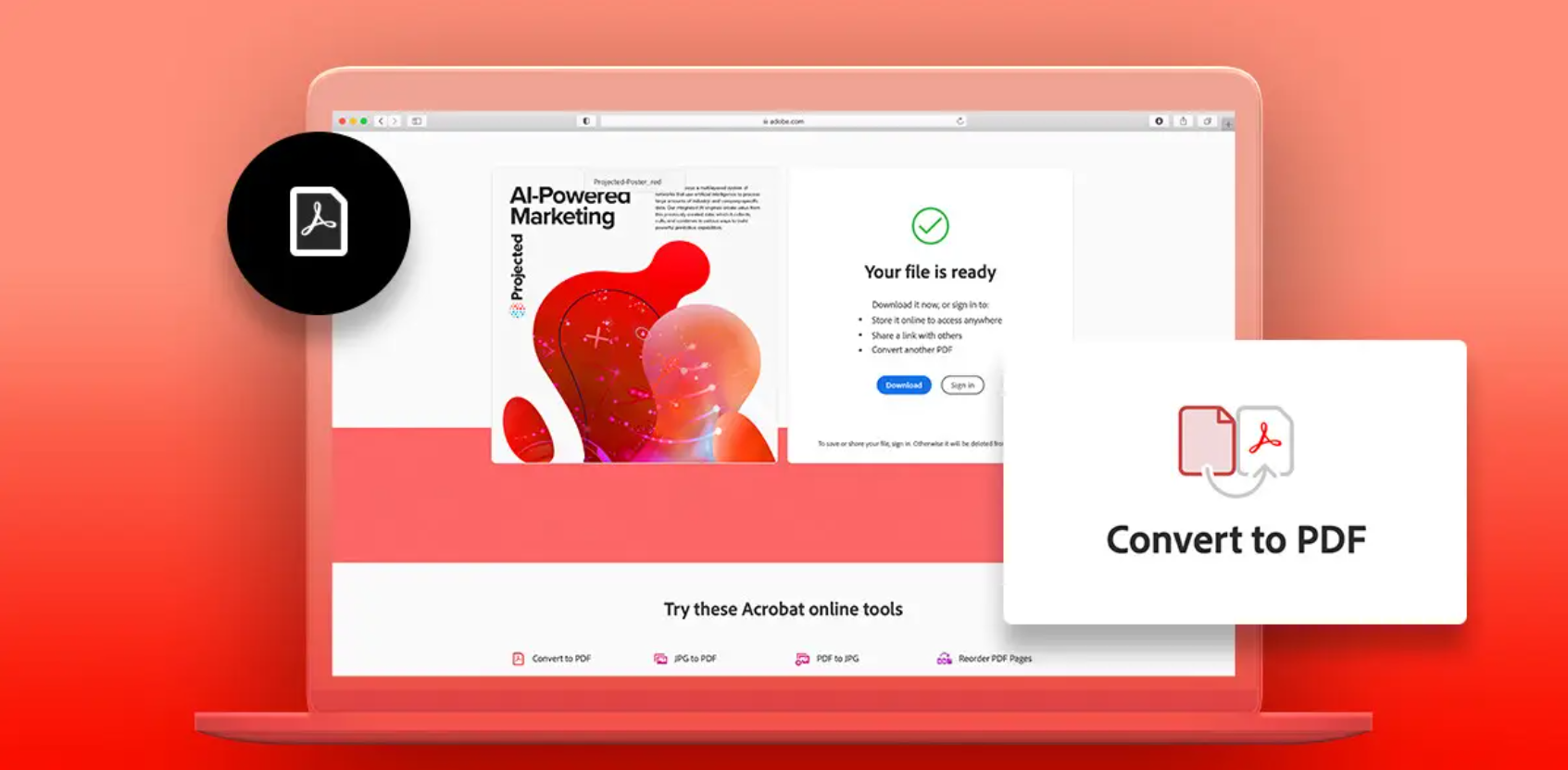
- Convert images, scans, or non-PDF files into PDF.
- Use Optical Character Recognition (OCR) to turn scanned documents or images into selectable/searchable/editable text.
- Review, Commenting & Collaboration
- Add annotations, comments, highlights, notes, sticky notes.
- Use Document Cloud’s review services to send a PDF link to collaborators so they can comment in one shared document.
- Track who has viewed or commented, and consolidate feedback.
- E-Signatures & Digital Signatures
- Request, send, track, and manage e-signatures natively (using Acrobat Sign) within the Document Cloud ecosystem.
- Recipients can sign via a browser or mobile device without needing to install software.
- Send signature requests by email or (in some updates) via SMS link.
- Security, Protection & Redaction
- Protect PDFs by setting passwords, controlling permissions (print, copy, edit) so that only authorized parties can open or modify them.
- Redact (permanently remove) sensitive information (text, images) so it cannot be recovered.
- Sanitize documents by removing hidden metadata or non-graphic objects (e.g. document properties, hidden text) for privacy/security.
- Accessibility & Tagging
- Auto-tag documents (using AI) to identify headings, paragraphs, tables, etc., improving accessibility for screen readers.
- Provide reading order tools, reflow view, and text-to-speech (“Read Out Loud”) with natural voices to aid users with visual impairments.
- Generative AI & Intelligent Document Tools
One of the newer enhancements is the integration of generative AI features within Acrobat and Document Cloud.
- AI Assistant: You can ask questions about the document, get answers, explore insights, and the assistant cites sources from within your documents.
- Generative Summary: Automatically generate a concise summary or outline of a long PDF, highlighting key points and linking back to sections.
- Image Generation / Embedding: Use integrated Adobe Express tools to generate images from text prompts and insert them into PDFs, or enhance visual content.
- Cross-Document Insights: AI Assistant can work across multiple documents (PDF, Word, PPT, etc.) to find connections, trends, or aggregates.
- Cloud Storage & Access Anywhere
- Acrobat + Document Cloud syncs your files so you can access them from desktop, web, or mobile.
- You can create, edit, share, sign, review all from a browser (no need to install software).
- Store documents online under Adobe’s Document Cloud storage system, with redundancy and data integrity safeguards.
Common Use Cases & Applications
Here are how people and organizations use Acrobat Pro + Document Cloud in real life:
- Business Contracts & Agreements
Prepare, send, sign, and store legally valid contracts or agreements. Use e-signature, tracking, and AI summarization to understand and manage multiple versions.
- Legal / Compliance Documents
Use redaction for confidentiality, audit trails for tracking, and secure permissions to limit access.
- Report Generation & Publishing
Collect data, compose reports, insert charts or generated visuals, then export to print-ready PDFs or digital sharing.
- Academic / Research / White Papers
Long documents can be summarized (via AI), citations extracted, and insights drawn across many papers.
- Government / Regulatory Filings
Ensure accessibility compliance (tagging, reading order), redact sensitive data, and provide interactive forms.
- Marketing / Brochures / E-Books
Combine textual and visual content, generate images, send proofs to collaborators, then finalize for publication.
- Mobile & Remote Work
Field workers can scan receipts or forms via mobile, convert to PDF, annotate, and send to headquarters.
Advantages & Considerations
Advantages
- Seamless integration between desktop, web, and mobile workflows.
- AI tools speed up comprehension, editing, and insight extraction.
- Strong security and privacy controls to protect sensitive content.
- Reduces reliance on paper: scanning → OCR → PDF workflows.
- Collaboration tools simplify review and approval cycles.
Considerations
- Some AI features may require separate add-ons or licensing.
- AI summaries or assistant responses aren’t flawless and should be verified.
- Performance may depend on internet connectivity, especially for cloud features or large files.
- Users must manage versioning and backups, especially when multiple editors collaborate.
- Accessibility and tagging features may sometimes need manual adjustments to meet strict standards.
Conclusion
The latest Adobe Acrobat Pro Document Cloud is more than just a PDF editor. It’s a comprehensive, intelligent document platform combining editing, security, collaboration, and generative AI. Whether you’re drafting contracts, preparing reports, collaborating across teams, or automating document workflows, Acrobat Pro + Document Cloud provides powerful tools to boost productivity, accuracy, and efficiency.