
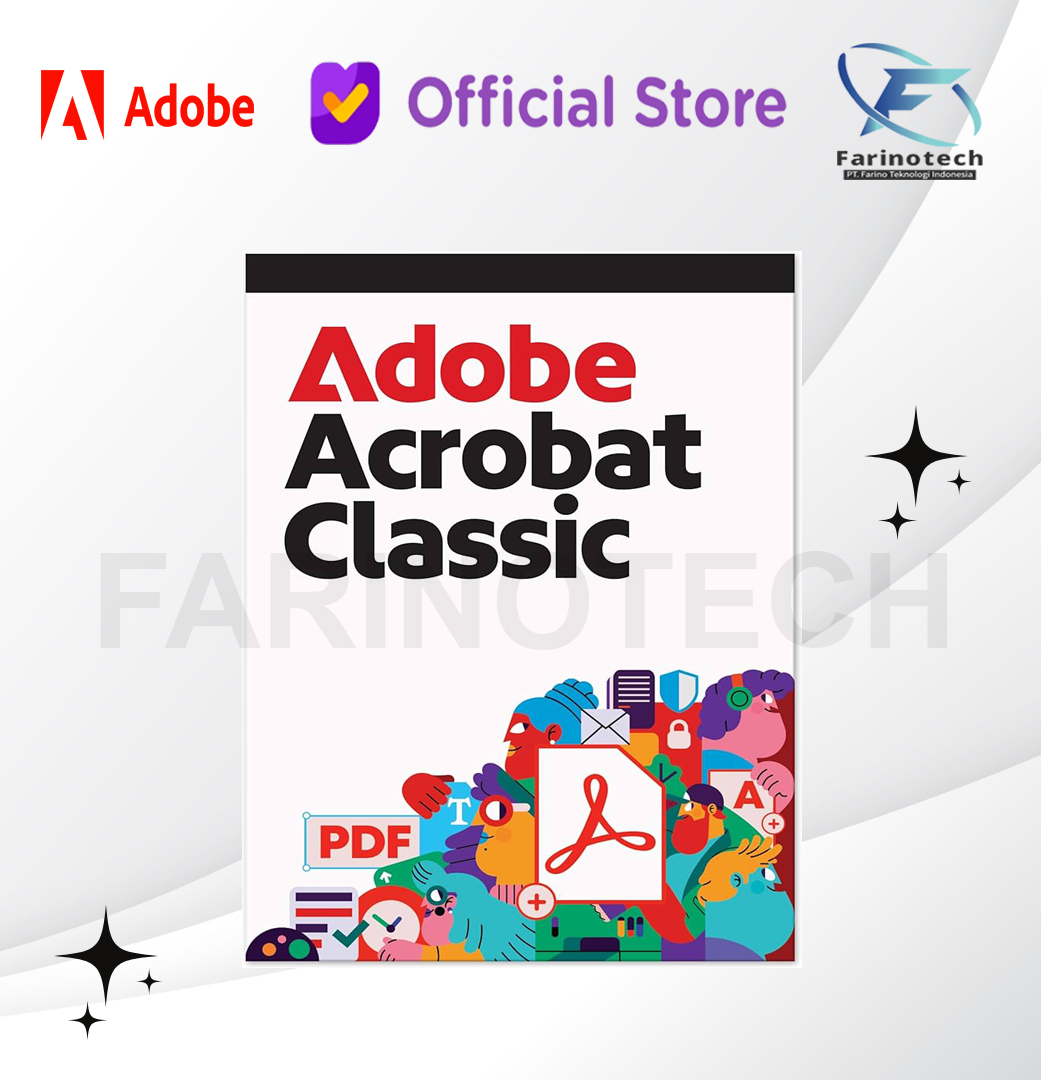
Adobe Acrobat Classic 3 Years Subscription
Rp21.190.500
Adobe Acrobat Classic 3 Years Subscription – Distributor Reseller Resmi Adobe Indonesia adalah PT Farino Teknologi Indonesia (Farinotech).
Alasan berbelanja di Farinotech Store
- Pesanan sebelum jam 2 siang akan diproses dihari yang sama
- Authorized Distributor Reseller Resmi Indonesia
- Untuk Produk Lisensi Digital, bisa langsung dikirim ke email di hari yang sama, dan tidak ada pengiriman fisik
Description
Reviews (0)
Description
| Category | Software, Adobe |
|---|---|
| Tag | Adobe Acrobat 3 Years, Adobe Acrobat Classic, Distributor Adobe Indonesia, Reseller Adobe Indonesia |
Adobe Acrobat Classic 3 Years Subscription – Distributor Reseller Resmi Adobe Indonesia adalah PT Farino Teknologi Indonesia (Farinotech).
Adobe Acrobat Classic is the latest desktop version of the popular PDF editor from Adobe and offers a comprehensive solution for users who want to edit their PDF documents professionally and without a subscription. This version includes all the functions required for productive and efficient editing of PDF files – ideal for daily use in the office or at home.
Adobe Acrobat Classic is the updated version of the Acrobat desktop software and replaces the older perpetual versions. The 3-year license is without automatic renewal and allows offline use after activation. It includes all the features of Acrobat Pro 2020 as well as additional improvements, such as a new user interface and enhanced accessibility tagging. Adobe Document Cloud is not included.
Acrobat Classic offers full PDF functionality on the desktop, without web or mobile access. A subscription is recommended for cloud services and advanced features.
Important functions of Adobe Acrobat Classic
Adobe Acrobat Classic offers a variety of practical features that make editing and organizing PDF documents much easier.
Intuitive and customizable user interface
The Adobe Acrobat Classic user interface is designed to be particularly easy and efficient to use. Frequently used tools can be found quickly and the toolbar is customizable, allowing users to add their favorite features as needed. Menus, toolbars and control panels are clearly structured and allow quick access to important tools.
Mark files and find them again quickly
With the star marking function, important files can be marked and called up in no time at all:
- Star marking: files can be marked with a star to find them again quickly in the “Starred” view.
- Easy to use: The star icon next to the file name in the home view or in the viewer allows files to be marked and organized directly.
Creating forms on blank pages
For individual forms, Adobe Acrobat Classic offers the function of creating new forms on blank pages:
- Quick Forms: Via All tools > Show more > Prepare a form, blank pages can be used for form creation.
- Customizable options: The tool allows you to directly add fields and options for customized forms.
Extracting discontinuous pages
Discontinuous pages can be specifically extracted from a PDF document in order to use certain sections separately:
- Targeted extraction: Individual pages can be selected and extracted in the navigation pane.
- Easy to use: Right-click on the page thumbnail > “Extract pages” > Select and confirm pages in the dialog box.
Improved functions in Adobe Acrobat Classic
| Improved PDF export experience The PDF export function has been enhanced and now includes
|
| Improved tagging for accessibility Acrobat Classic includes updated tagging features that improve accessibility by making PDF documents and forms more navigable. These features facilitate:
With this update, Adobe is emphasizing its commitment to inclusivity and improving access to information for all users. |
| Support for Microsoft Purview Information Protection Acrobat Classic now supports Microsoft Purview Information Protection (MPIP) for secure, rights-based access to PDF documents. Features include:
|
Differences between Acrobat Classic and Acrobat Pro: What you need to know
Acrobat Pro offers a comprehensive and advanced solution for working with PDFs. It combines powerful tools for document editing, electronic signatures and seamless integration with web and mobile platforms. Acrobat Pro users benefit from regular security and feature updates that ensure they always have the latest innovations and technologies at their fingertips. It also offers additional features such as multi-user document review, automatic detection and correction of accessibility issues, and AI-powered features for efficient document editing. These versatile features make Acrobat Pro ideal for professionals who work on multiple platforms and require ongoing updates and new tools.
Acrobat Classic, on the other hand, is a one-time purchase desktop software that is limited to basic editing and management of PDFs on your computer. Unlike Acrobat Pro, Acrobat Classic does not receive regular feature updates. It only offers desktop functions and no web-based or mobile extensions. This means that features such as electronic signatures, real-time document collaboration or sharing PDFs for review are not available in Acrobat Classic. AI-supported tools for automatically improving document quality are also not included. This version is particularly suitable for users who prefer a one-time payment and do not require cloud-based or mobile features.
For businesses or professionals who want to edit PDFs on multiple devices and platforms and benefit from the latest features on an ongoing basis, Acrobat Pro is the ideal choice. However, those looking for a simple desktop solution with no ongoing costs will find Acrobat Classic a solid and cost-effective alternative.
Benefits of Adobe Acrobat Classic
Adobe Acrobat Classic offers a comprehensive solution for editing and managing PDF documents. It allows you to create, edit and save PDFs directly on your desktop. The one-time purchase means there are no recurring costs, making it particularly attractive for users who don’t need cloud-based services. Here are the key benefits:
- One-time payment: a one-time purchase with no recurring subscription fees.
- Comprehensive PDF editing: Equipped with powerful tools for editing text, images and layouts in PDFs.
- Security: Protect your documents with passwords, encryption and digital signatures.
- Offline use: Work directly on your desktop without an internet connection.
- Proven technology: Rely on Adobe technology that is recognized and valued worldwide.
Suitable for different user groups
Adobe Acrobat Classic is ideal for users who need a desktop solution for PDFs without having to rely on subscription or cloud services. The following user groups will particularly benefit from this product:
- Businesses: Particularly suitable for small to medium-sized companies that need to create, edit and save PDFs professionally.
- Freelancers and the self-employed: A cost-effective solution for anyone looking for reliable software without ongoing fees.
- Private users: Ideal for occasional use of PDF documents and for users who are looking for a long-term, price-conscious solution.
With Adobe Acrobat Classic, you get reliable and proven software that offers all the features you need for your daily PDF editing needs – without any additional costs or subscriptions.
System requirements for Adobe Acrobat Classic
| Windows | macOS |
|---|---|
| Processor Intel®- or AMD processor, 1.5 GHz or faster |
Processor Intel processor; M1, M2 Apple Silicon processor |
| Operating system Windows 11 (64 bit), Windows 10 (64 bit), Version 1809 or higher, Windows Server 2016 (64 bit), Windows Server 2019 (64 bit), Windows Server 2022 (64 bit), Windows Server 2025 (64 bit) |
Operating system macOS v12, macOS v13, macOS v14 (Sonoma), macOS v15 (Sequoia) |
| RAM 4 GB RAM |
RAM 4 GB RAM |
| Hard disk space 4.5 GB free hard disk space |
Hard disk space 4.5 GB free hard disk space |
| Monitor resolution 1024 x 768 px Screen resolution |
Monitor resolution 1024 x 768 px screen resolution |
| Graphics card Acceleration for graphics hardware (optional) |
PT Farino Teknologi Indonesia (Farinotech) is Autorized Reseller Resmi Adobe Indonesia
For official Request For Quotation (RFQ), please send email to inquiry@farinotech.com
Reviews (0)
Leave a Reply
You must be logged in to post a comment.
You also like







Adobe Premiere Elements 2023 PC/ Mac 1 User Lifetime
Rp1.955.000 Select options This product has multiple variants. The options may be chosen on the product page




Reviews
There are no reviews yet.